

 Jinba Flow
 Jinba App
 Jinba Toolbox
What are Jinba Flow Connectors
Jinba Flow is an external workflow service that can integrate with Jinba App. You can install connectors created in Jinba Flow to Jinba App and use them from chat.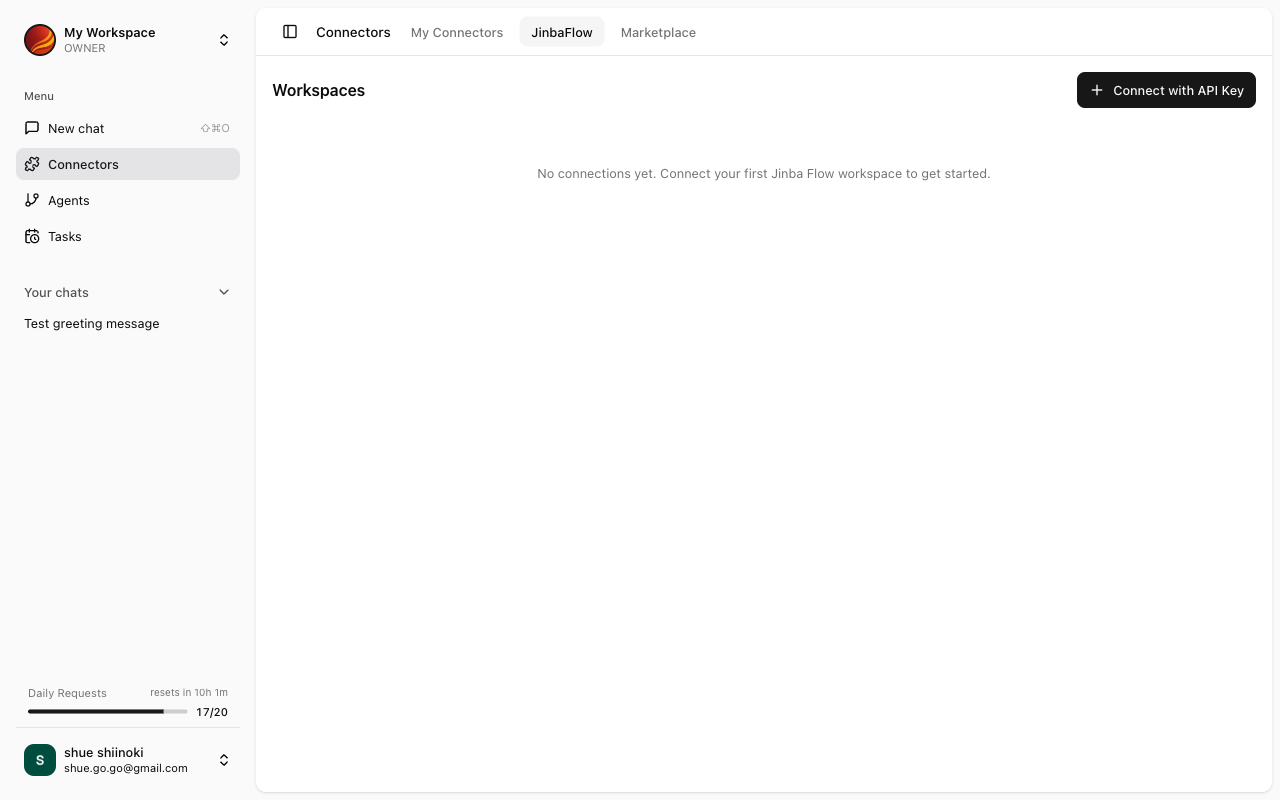
Jinba Flow Connector List
Available connectors are displayed in the “Jinba Flow Connectors” section of the Connector Management screen. The list displays the following information:One-click Connect and Install
Jinba Flow connectors can be connected and installed simultaneously with one click.1
Select Connector
Find the connector you want to install from the Jinba Flow connector list.
2
Click 'Connect' Button
Click the “Connect” button on the connector card.
3
Connection Complete
Once connected, the connector is automatically installed and added to My Connectors.
One-click connection automatically uses the authentication credentials configured in Jinba Flow.
Refreshing Connection
When connector settings have been updated in Jinba Flow, you can refresh the connection information in Jinba App.When Refresh is Needed
- When tools have been added or changed in Jinba Flow
- When authentication settings have been changed in Jinba Flow
- When connection errors occur
Refresh Steps
1
Select Connector
Click the Jinba Flow connector you want to refresh from the My Connectors list.
2
Open Menu
Click the settings menu (⋮) on the connector details screen.
3
Select 'Refresh Connection'
Select “Refresh Connection” from the menu.
4
Confirm Completion
A confirmation message will appear when the refresh is complete.
Disconnecting
Disconnecting a Jinba Flow connector will uninstall that connector from Jinba App.Disconnect Steps
1
Select Connector
Click the Jinba Flow connector you want to disconnect from the My Connectors list.
2
Open Menu
Click the settings menu (⋮) on the connector details screen.
3
Select 'Disconnect'
Select “Disconnect” from the menu.
4
Confirmation Dialog
A confirmation dialog will appear. Click “Disconnect” to confirm.
Troubleshooting
Jinba Flow connector not appearing in the list
Jinba Flow connector not appearing in the list
Please check the following:
- Is the connector properly configured in Jinba Flow?
- Does your Jinba Flow account have the appropriate permissions?
- Are your Jinba App and Jinba Flow accounts linked?
Connection fails
Connection fails
- Check the authentication settings in Jinba Flow
- Wait a moment and try again
- If the problem persists, contact support
Changes not reflected after refresh
Changes not reflected after refresh
- Verify the changes have been saved in Jinba Flow
- This may be due to cache. Try reloading the browser