

 Jinba Flow
 Jinba App
 Jinba Toolbox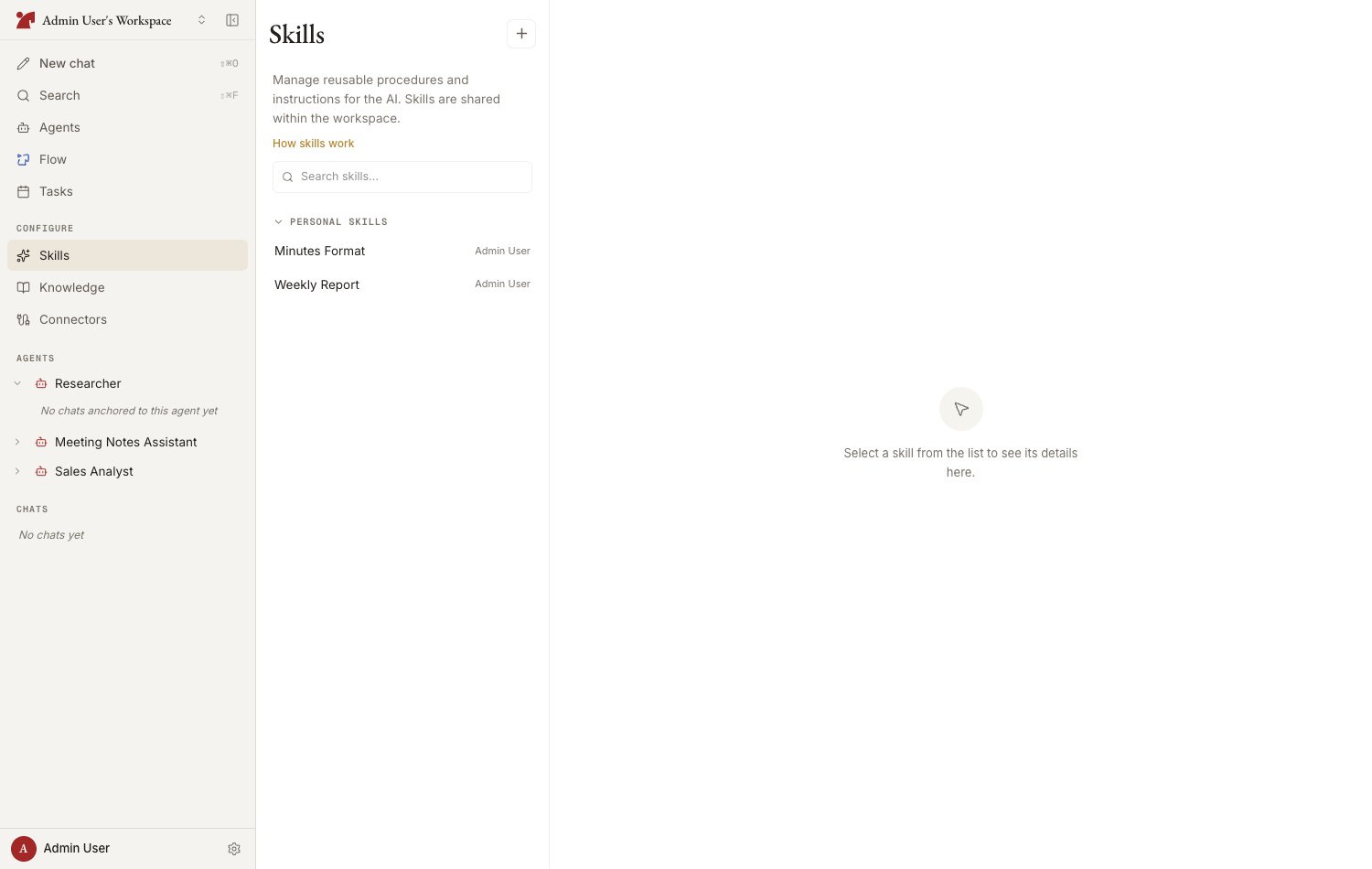
Anatomy of a skill
A skill follows the SKILL.md format: metadata (frontmatter) plus a body.Where skills are saved (scope)
You can promote (agent-specific → shared) or demote (shared → agent-specific) a skill later. To tweak a shared skill for one agent, use “Copy and edit for this agent only” (fork).
Attaching a workspace-shared skill to an agent works from the Skills section of the agent’s configuration panel — or straight from a chat with the agent (Create Skills from Chat).
Four ways to create a skill
Write it in the editor
Write SKILL.md directly from “New skill” on the Skills page
Have the AI generate it
Enter a name and description, then “Auto-generate body”
Import a .md file
Import an existing SKILL.md by drag & drop or paste
Accept a suggestion from chat
The AI suggests turning procedures established in conversation into skills
Limits
A single agent can have at most 20 skills attached, and the workspace catalog is capped at the same number. You do not have to count them yourself:- The agent’s “Add skills” picker shows the headroom as “N / 20 left”
- The Skills page adds an “n / 20” counter beside the page title once two or fewer slots are left
- An in-chat skill suggestion that would go over the limit says so and names the number