

 Jinba Flow
 Jinba App
 Jinba Toolbox
AI Responses
When you send a message, AI generates a response and displays it on the chat screen.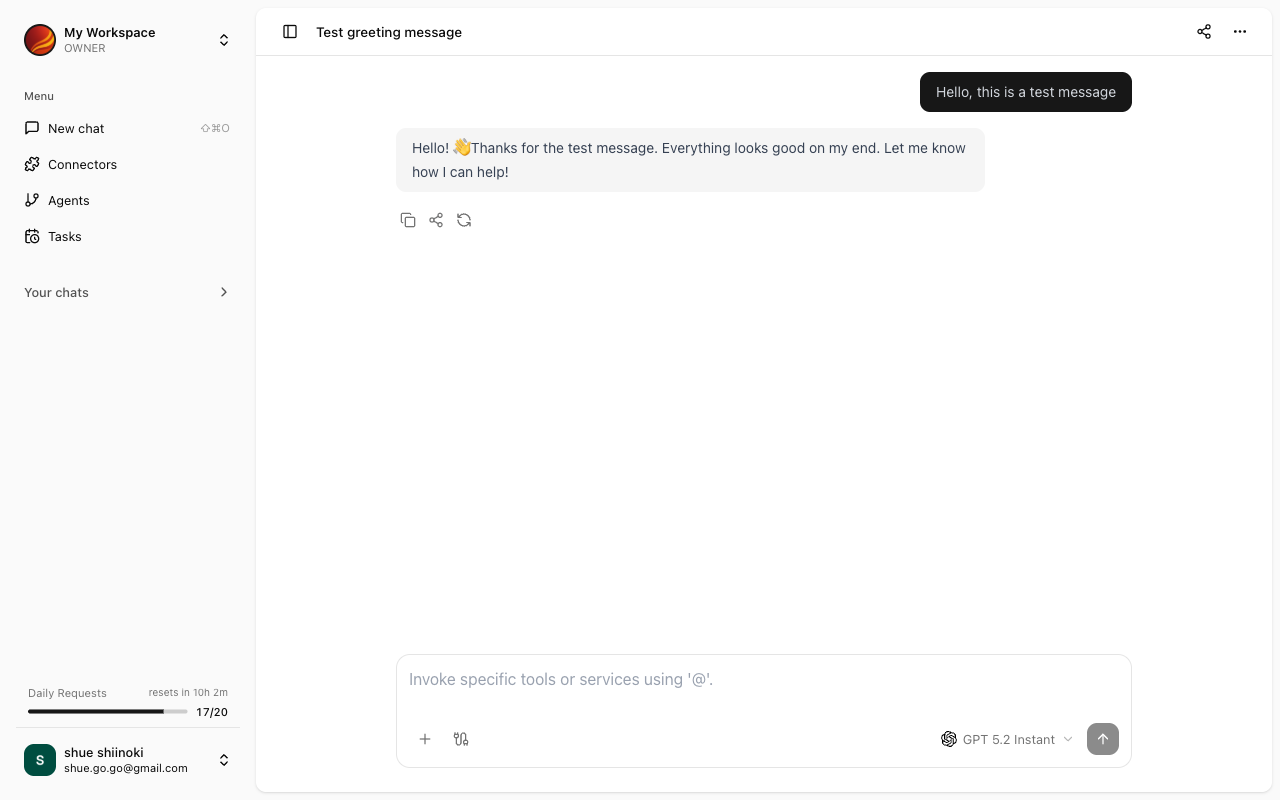
Response Display Formats
AI responses are displayed in various formats depending on the content.Text
Regular text is formatted for easy reading.Markdown
AI responses are formatted in Markdown. The following elements are properly styled:- Headings: Used for section divisions
- Lists: Bulleted or numbered lists
- Bold/Italic: Emphasis
- Links: Click to navigate to external sites
- Tables: Organized data display
Code Blocks
Program code is displayed with syntax highlighting (color coding). Code block features:- Automatic language detection: Appropriate syntax highlighting is applied
- Copy button: Copy code with one click
Mermaid Diagrams
If AI generates a diagram in Mermaid format, it is automatically visualized. Supported diagram types:- Flowcharts
- Sequence diagrams
- Class diagrams
- Gantt charts
- Other Mermaid-supported formats
Tabular Data
When data is returned in table format, it is displayed as a readable table.Connector Execution Results
When connectors are used, their execution results are included in the response.- Name of the connector used
- Retrieved or processed data
- Success/failure status of execution
Working with Responses
Copy
You can copy part or all of the response.- Text selection: Drag to select and copy
- Code blocks: Click the copy button
Follow-up Questions
You can continue asking questions about the response. AI considers the context of the previous conversation when responding.During Response Generation
While AI is generating a response, a loading indicator is displayed.- Responses are displayed with streaming, appearing on screen as they are generated
- For long responses, you can start reading the content without waiting for completion
Error Display
If an error occurs during response generation, an error message is displayed.'Could not generate response'
'Could not generate response'
This may be a temporary error. Please wait a moment and try again.
'Connector execution failed'
'Connector execution failed'
Check the connector connection status in the Connector Management screen.