> ## Documentation Index
> Fetch the complete documentation index at: https://docs.jinba.io/llms.txt
> Use this file to discover all available pages before exploring further.
# Introduction
> Welcome to the official Jinba App documentation
## What is Jinba App
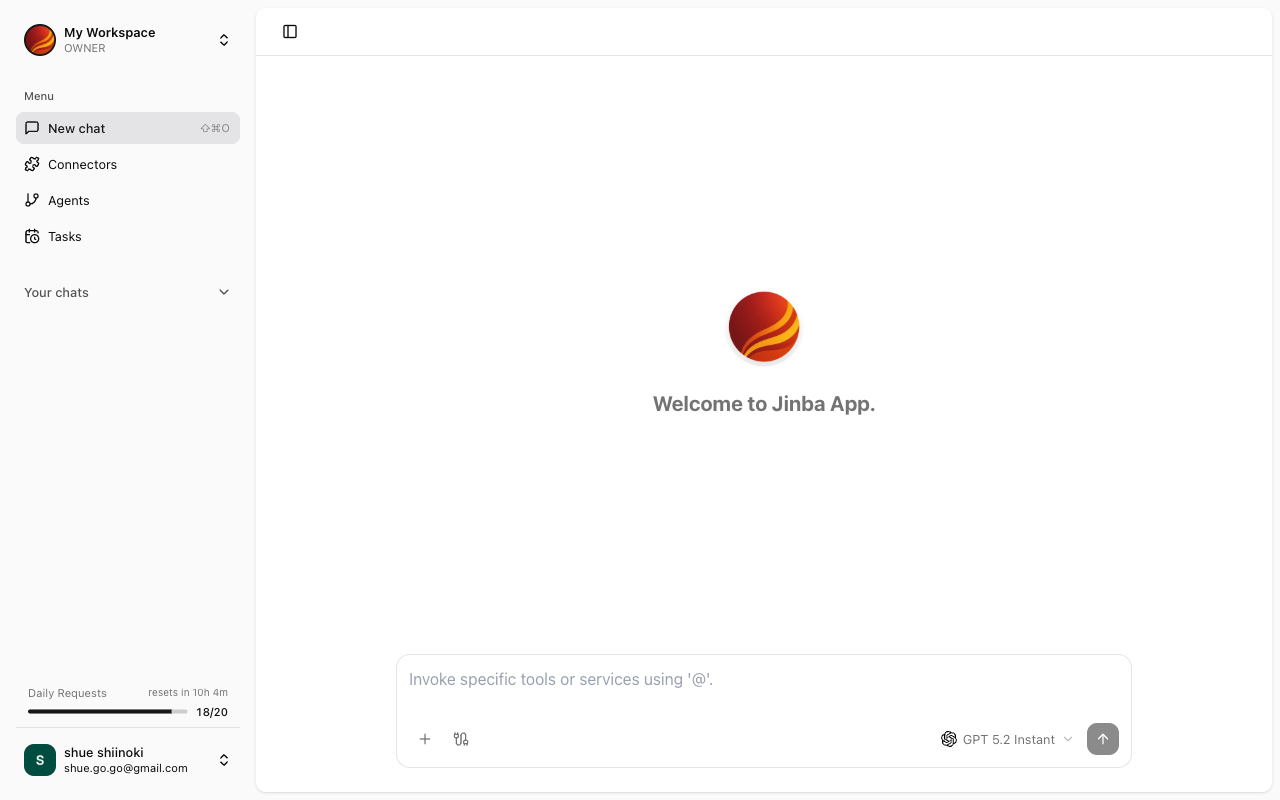
Jinba App is an AI-powered business efficiency platform. You can automate tasks by interacting with AI through chat while integrating with various external services.
 ## Key Features
Ask questions and give instructions to AI in a conversational format to get answers
Integrate with external services to enable AI to retrieve and manipulate data
Create and manage AI agents specialized for specific tasks
Schedule agent executions to automate your workflows
## How to Use This Documentation
* **New users**: Start with the [Quick Start Guide](/en/pages/jinba_app/quickstart)
* **Want to learn more about features**: Browse each feature page from the navigation on the left
* **Need help with terminology**: Refer to the [Core Concepts](/en/pages/jinba_app/core-concepts)
* **Having trouble**: Check the [FAQ](/en/pages/jinba_app/faq)
## Target Audience
This documentation is intended for all end users of Jinba App. No technical knowledge is required.
## Key Features
Ask questions and give instructions to AI in a conversational format to get answers
Integrate with external services to enable AI to retrieve and manipulate data
Create and manage AI agents specialized for specific tasks
Schedule agent executions to automate your workflows
## How to Use This Documentation
* **New users**: Start with the [Quick Start Guide](/en/pages/jinba_app/quickstart)
* **Want to learn more about features**: Browse each feature page from the navigation on the left
* **Need help with terminology**: Refer to the [Core Concepts](/en/pages/jinba_app/core-concepts)
* **Having trouble**: Check the [FAQ](/en/pages/jinba_app/faq)
## Target Audience
This documentation is intended for all end users of Jinba App. No technical knowledge is required.